Leave Your Message
An Interphone With Camera lets residents see who is at the door before deciding whether to answer. That simple view can be useful when a delivery arrives during a meeting or a visitor appears after dark. Depending on the model, the system may offer two-way audio, night vision, motion alerts, or access through a mobile app. Features vary, so checking the camera’s viewing angle, image quality, and connection requirements matters.
Small details matter. A camera with a narrow view may miss someone standing beside the entrance, while poor Wi-Fi can delay alerts. Before choosing a unit, consider where it will be installed, who needs access, and how recordings or notifications are managed. These practical checks help match the device to the property rather than relying on a long feature list. An intercom camera can support awareness at an entrance, but it is not a guarantee of safety. Lighting, installation quality, and everyday use all affect how well it works. It is also worth asking whether every household member finds the interface clear; a system that is confusing may go unused. With realistic expectations, an interphone with camera can be a useful addition to a home or business.
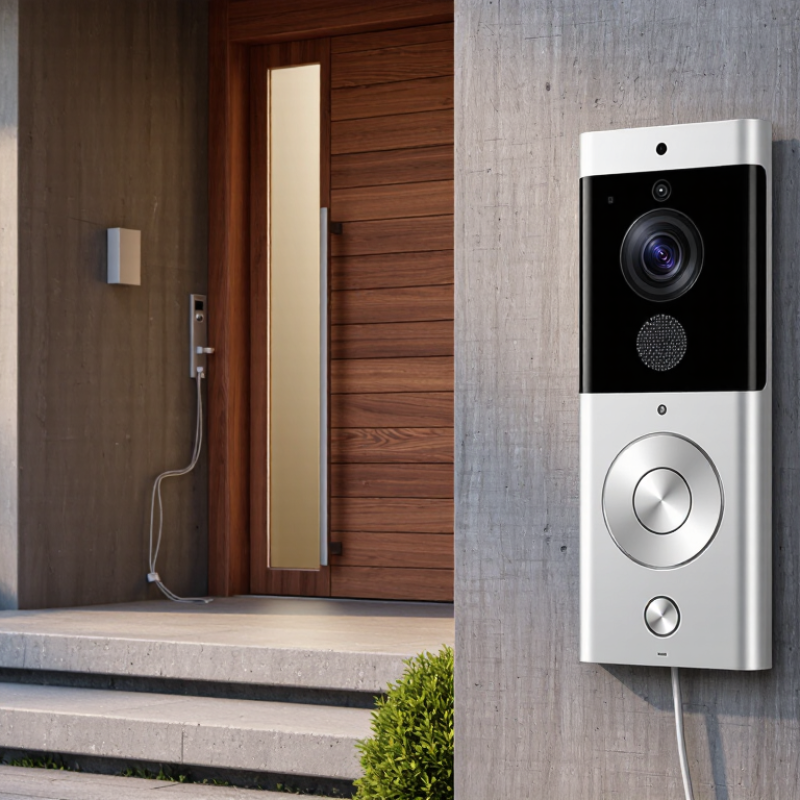
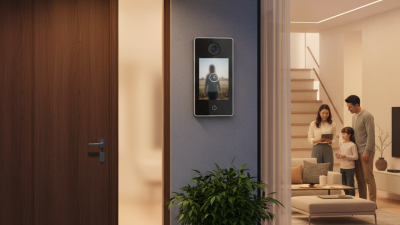
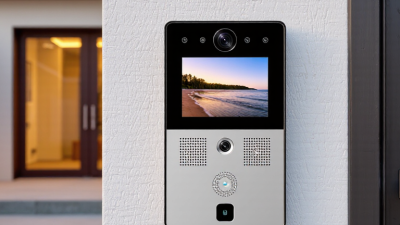
An interphone with a camera combines an entrance call unit, a camera, a microphone, and a speaker. When a visitor presses the call button, occupants can see and speak with them through an indoor monitor or connected device. The system makes visitor checking possible before the door opens. That matters. The FBI’s Crime in the United States 2019 report recorded 1,117,696 burglary offenses and an average property loss of $2,661 per burglary. Those figures describe reported U.S. crime, not the effectiveness of interphones. Not proof.
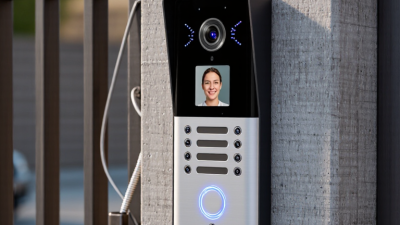
At a front gate, a resident can check a delivery worker’s face, the parcel, and whether someone else is waiting nearby. Clear positioning matters: a lens aimed too high may capture a hat brim, not a face. Low light, glare, and network delays can weaken a live view. Two-way audio helps, though it is not the same as opening the door safely. Keep expectations realistic. Camera footage may be incomplete, and recording settings deserve careful thought.
| Aspect | What It Is or Does | Practical Value for a Property | Points to Consider |
|---|---|---|---|
| Basic definition | An interphone with a camera is a visitor communication system that combines a speaker and microphone with a camera at an entrance. It is often called a video intercom or video door phone. | Residents can see and speak with a visitor before deciding whether to unlock the entrance. | Image quality, audio clarity, and operation depend on the specific equipment and installation. |
| Entrance camera | The outdoor unit captures video of the entrance area when a visitor calls or when the system is otherwise activated. | Visual identification can provide more context than an audio-only call. | Camera view can be affected by positioning, lighting, weather, and obstructions. It should be aimed to cover the intended area while respecting privacy. |
| Indoor monitor or connected device | Video and audio are displayed on an indoor screen or, on some systems, a compatible connected device. | People inside can answer a call without going to the entrance. | Connected-device features may require a network connection, compatible equipment, and suitable settings. |
| Two-way communication | A built-in microphone and speaker allow the visitor and resident to communicate. | Residents can ask who is calling or provide instructions before granting access. | Background noise, microphone placement, and network or wiring quality can affect conversation quality. |
| Door or gate release | Some systems can operate an electric door strike or gate release after a resident verifies the visitor. | Access can be granted from the indoor station or a supported device, without opening the door manually. | Release hardware and installation must be compatible with the door or gate. A video interphone does not automatically make an entrance secure. |
| Wired or wireless connection | Systems may connect units through dedicated cabling or use wireless networking for some functions. | Wired connections can suit planned installations; wireless options may reduce the need for new signal cabling. | Wiring routes, power supply, wireless coverage, building materials, and installation conditions affect suitability. |
| Video recording | Depending on the model, a system may capture still images or record video when a call or motion event occurs. | Recorded footage may help residents review missed visits or activity at the entrance. | Recording, storage duration, access controls, and notification features vary. Check local privacy and data-protection requirements. |
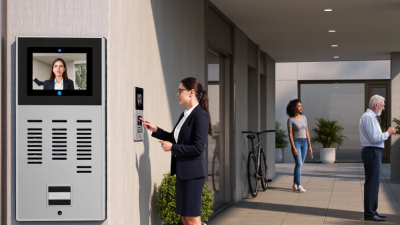
| Typical property uses | Video interphones are used in houses, apartment buildings, offices, and other properties with a controlled entrance. | They can help residents, reception staff, or property managers screen visitors before allowing entry. | Shared buildings may need multiple indoor stations, directory functions, and coordination with existing access-control equipment. |
| Selection factors | Relevant factors include camera viewing angle, night visibility, screen size, audio quality, connection type, recording options, and access-control compatibility. | Choosing features that match the entrance and the people using the system can make daily operation more practical. | Confirm installation requirements, power needs, environmental ratings, and ongoing costs before choosing a system. |