What Is the Best Smart WiFi Security Doorbell in 2026?
Choosing the best Smart Wifi Security Doorbell in 2026 takes more than comparing camera resolution. A clear image matters, but so do quick motion alerts, dependable Wi-Fi, useful night vision, and audio that makes voices understandable from the porch. A package should be recognizable in daylight and after sunset, not just in polished product photos. Small details count.
This guide looks at the features that affect everyday use, including local or cloud storage, subscription costs, battery life, wired installation, and compatibility with existing smart-home devices. It also considers privacy and account security, since a doorbell camera records activity near your home. Check the manufacturer’s current specifications and update policy before buying; features can vary by model and region. No device is perfect. A busy street may trigger frequent alerts, while a thick wall can weaken a wireless signal. Even excellent video cannot guarantee that every visitor will be identified. The right choice depends on your entrance, network, budget, and comfort with recording settings. With those practical limits in mind, comparing doorbells becomes clearer—and less dependent on marketing claims.
Define Smart Wi-Fi Doorbells by Their Core Hardware and Network Features
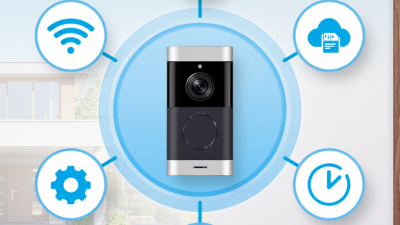
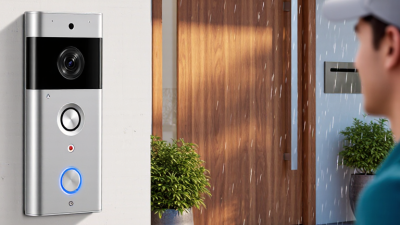
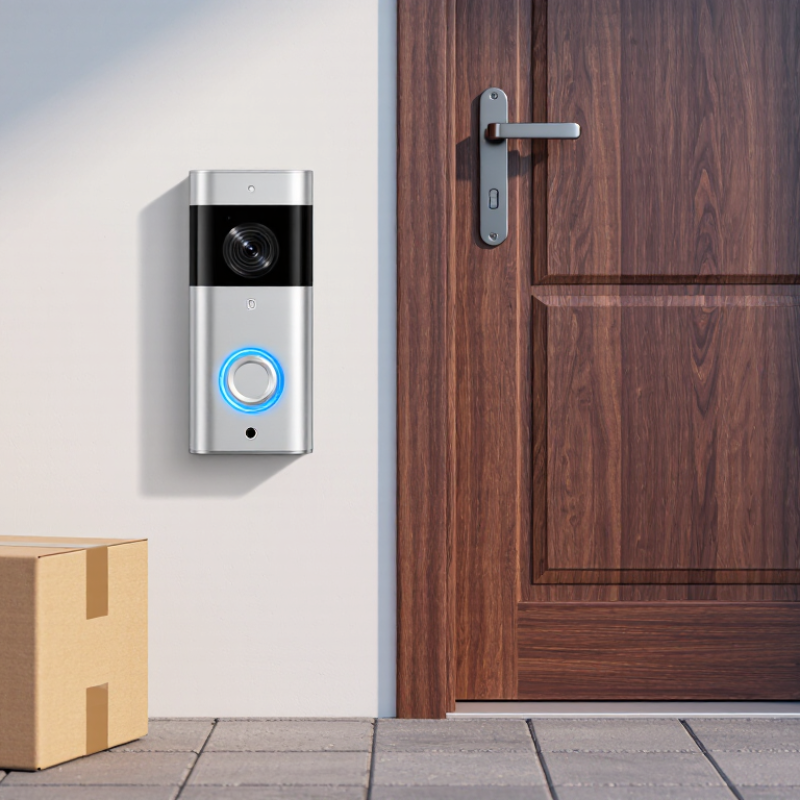
A smart Wi-Fi doorbell combines a camera, motion sensor, microphone, speaker, and network radio in one weather-resistant unit. Look for clear video, useful night illumination, and motion zones that avoid triggering whenever a tree moves. Power matters, too: battery models simplify installation, while wired models can reduce charging interruptions. Small details count. A lens facing a bright porch may produce glare, even with a high-resolution sensor.
Network performance is more than the router’s advertised speed. Ookla’s 2024 Speedtest Global Index placed median fixed broadband download speed worldwide near 94 Mbps, but that figure cannot predict signal strength at a front door. Walls, metal frames, and distance can weaken Wi-Fi. The Wi-Fi Alliance lists Wi-Fi 6’s theoretical maximum at 9.6 Gbps; real devices operate far below that shared peak. Check supported bands, encryption, app notifications, and whether the doorbell reconnects reliably after an outage.
A practical test is simple: stand where the doorbell will go and check live video on your phone. Watch for pauses, delayed alerts, or muffled two-way audio. Those flaws are easy to overlook in a specification sheet. I would also verify whether clips can be stored locally or require a subscription, and how long recordings remain available. Even careful testing is imperfect; household Wi-Fi changes when doors close or people move through the hallway.
What Is the Best Smart Wi-Fi Security Doorbell in 2026?
Start with core hardware: compare the image detail captured by common video resolutions.
Pixel counts are calculated from each resolution’s width × height: 1080p is about 2.1 megapixels, 1440p about 3.7 megapixels, and 4K about 8.3 megapixels. More pixels can reveal finer detail, but image quality also depends on the sensor, lens, lighting, and compression. For network fit, check whether the doorbell supports your router’s Wi-Fi bands; 2.4 GHz generally reaches farther, while 5 GHz can provide more bandwidth at shorter range.
Compare Video Detail: 1080p Resolution Equals About 2.1 Megapixels
A 1080p smart doorbell records 1,920 × 1,080 pixels. The ITU-R BT.709-6 recommendation specifies this image format. Multiplying the dimensions gives 2,073,600 pixels, or about 2.1 megapixels. That sounds precise. It is not a guarantee of sharp faces.
Resolution is only one part of video detail. A clean lens and good lighting help, while dusk, motion blur, and compression can soften a face or number plate. Wi-Fi carries the video; it does not add detail the camera never captured. In a practical comparison, check a moving person near the edge of the frame, not just a still daytime image. I still find resolution easy to overrate.
Tips: Review recorded clips on a phone-sized screen and zoom in on a face several steps from the door. Check both daylight and evening footage. If fine details smear during motion, a higher pixel count may not solve the problem.
Evaluate 2.4 and 5 GHz Connectivity Against IEEE 802.11 Standards
What Is the Best Smart WiFi Security Doorbell in 2026?
A doorbell’s Wi-Fi label matters less than its connection at the front door. IEEE 802.11 defines how Wi-Fi devices communicate, but it does not promise a strong signal through brick, foil-backed insulation, or several interior walls. The 2.4 GHz band usually reaches farther and handles obstacles better. It can also be crowded by nearby networks and household devices. A doorbell may stay connected yet take longer to load live video.
The 5 GHz band often offers more capacity and less congestion, but its signal typically weakens faster with distance and barriers. IEEE 802.11n can operate on 2.4 and 5 GHz, while later standards may support one or both bands, depending on the device. Check the doorbell’s actual specifications rather than assuming “newer Wi-Fi” means dual-band. Test the signal at the mounted location, with the door closed. A brief live-view test is useful. So is checking whether alerts arrive promptly.
For many homes, dependable 2.4 GHz coverage beats a faster 5 GHz connection that drops at the porch. Still, that is not universal. A nearby router may make 5 GHz perfectly practical. Look for clear support details and current security options, such as WPA2 or WPA3; these are separate from the 802.11 radio standard. I would not judge reliability from a speed test beside the router. The porch is the real test.
Audit Device Security Using NISTIR 8259A’s Six Core Capabilities
A strong smart WiFi doorbell is more than a sharp camera and fast alerts. In 2026, assess its security against NISTIR 8259A’s six core capabilities: device identification, configuration, data protection, logical access, software updates, and cybersecurity state awareness. These capabilities offer a practical audit, not a guarantee. Check whether the device has a unique identity, lets you change settings, encrypts stored and transmitted video, and restricts access to its controls.
Look closely at account access and updates. Can you enable multifactor authentication, remove former household users, and see when firmware was last updated? Verizon’s 2024 Data Breach Investigations Report found that 68% of breaches involved a non-malicious human element. That broad finding is not specific to doorbells, but it shows why shared passwords and confusing permissions deserve attention. Small details matter. Test an alert while your phone is locked, then check whether the clip remains protected in the app.
NIST also calls for cybersecurity state awareness: the device should communicate meaningful security status. Look for clear notices about failed logins, update failures, and account changes. Ask how long recordings are retained and whether deletion is confirmed. A checklist cannot reveal every weakness, and product descriptions may be vague. Treat missing answers as uncertainty, not proof of safety.
Check Privacy and Security Against ETSI EN 303 645’s 13 Provisions
A smart WiFi doorbell is a camera, microphone, and networked computer at your front door. Its security deserves more than a sharp video preview. ETSI EN 303 645 offers 13 baseline provisions for consumer IoT security, including unique passwords, secure communications, and software updates. It is a useful checklist, not proof that a device is risk-free.
Look for clear information about how updates arrive and how long they are expected to continue. Check whether the setup forces you to replace a default password, and whether the maker explains how to report vulnerabilities. A secure connection should protect video and account traffic in transit. Small details matter. Can you remove stored clips? Can you review account access and disable features you do not use? These practical checks connect the standard’s provisions to everyday use.
The standard also addresses data protection, resilience, and limiting exposed services. For a doorbell, that means asking what data is collected, how long recordings remain, and what happens when WiFi drops. Read the privacy notice and security documentation; vague answers are worth questioning. I would not treat a long feature list as evidence of strong protection. Nor is any checklist a substitute for testing. Real-world behavior can be messy, and product documentation may leave gaps. A careful comparison should note those gaps rather than quietly assume the best.