What is Wireless Wifi Video Doorbell Benefits and Features?
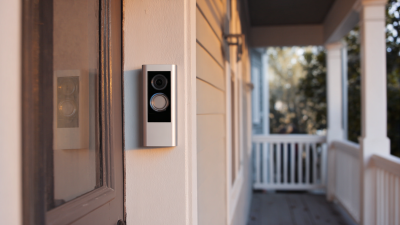
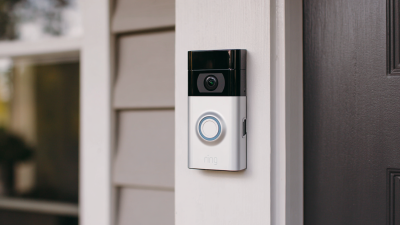
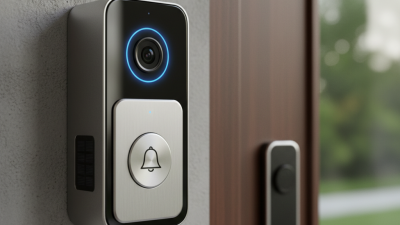
The rise of smart home technology has transformed the way we interact with our living spaces. Among these innovations, the Wireless Wifi Video Doorbell stands out as a practical solution for modern security needs. This device combines convenience with advanced features to enhance home safety. It allows homeowners to see and communicate with visitors remotely, ensuring peace of mind.
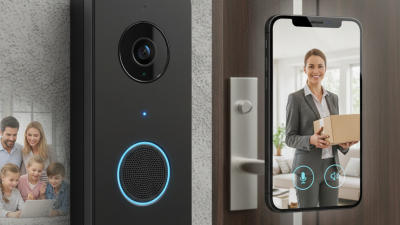
Imagine receiving a notification on your smartphone when someone approaches your door. This capability allows for real-time video streaming. Homeowners can interact with delivery personnel or even deter potential intruders. However, while the benefits are clear, there are some concerns. Connectivity issues can occasionally disrupt performance, and privacy considerations must be carefully managed.
Choosing the right Wireless Wifi Video Doorbell can be daunting. With various models on the market, it's essential to consider factors like video quality, app functionality, and installation requirements. By prioritizing these features, you can maximize the effectiveness of this smart device in your home.
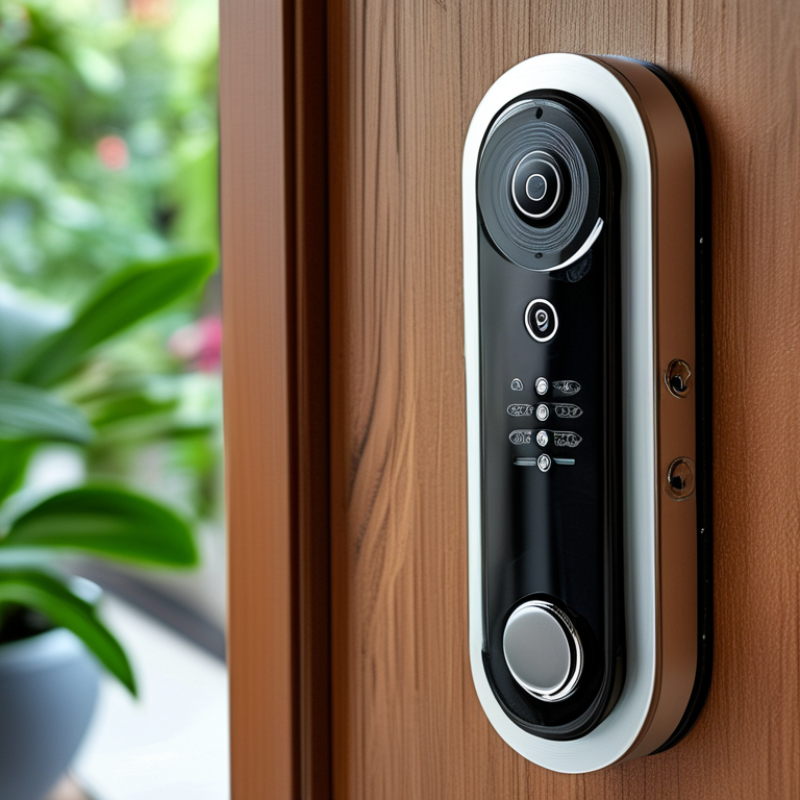
Overview of Wireless Wifi Video Doorbells
Wireless Wi-Fi video doorbells have been gaining popularity due to their impressive features and convenience. They allow homeowners to see who is at their door from anywhere using a smartphone or tablet. This technology enables real-time video streaming, making it easier to interact with visitors. Many models offer motion detection, alerting users when someone approaches their door, even if they do not ring the bell.
The installation process for these devices is often straightforward, requiring minimal tools and expertise. Most wireless video doorbells connect to existing Wi-Fi networks, ensuring seamless, high-quality video transmission. Some also incorporate two-way audio, giving users the ability to communicate remotely. This is especially beneficial for package deliveries, enhancing security by allowing users to speak directly to delivery personnel.
However, there are considerations to bear in mind. Users should think about privacy settings and data security, as these devices can be vulnerable to hacking. Battery life is another factor; frequent use may require regular recharging. Understanding these aspects is crucial for effective usage. Overall, wireless Wi-Fi video doorbells provide convenience, but careful consideration of their features and limitations is essential.
Key Features of Wireless Wifi Video Doorbells
Wireless WiFi video doorbells have transformed home security. They allow homeowners to monitor their entrances remotely via smartphones. Reports indicate that 69% of homeowners feel safer with video doorbells installed. These devices not only enhance security but also offer convenience.
One key feature is two-way audio. This allows residents to communicate with guests or delivery personnel without opening the door. Night vision is another critical aspect. Many models provide clear images at night, ensuring visibility around the clock. According to industry research, 40% of package theft occurs at the front door, making these features essential for deterrence.
For optimal use, ensure your WiFi signal strength is strong at the door location. A weak signal can lead to video interruptions. Additionally, regularly update the device's software to patch any vulnerabilities. This helps maintain the reliability of the doorbell. Consider the height at which you install it; placement affects the camera's field of view.
Benefits of Installing a Wireless Wifi Video Doorbell
Wireless Wi-Fi video doorbells have transformed home security. They provide an easy way to monitor entry points. According to industry reports, nearly 30% of the global security market is attributed to smart home devices. This growth reflects how quickly these technologies have become essential for homeowners.
One of the primary benefits is enhanced security. Users can see and interact with visitors remotely. This interaction occurs through a smartphone app, no matter where you are. Reports indicate that homes with video doorbells deter 50% more burglaries. This statistic highlights their growing importance in preventing theft.
Convenience is another significant feature. Wireless video doorbells are easy to install. Many models connect directly to your home Wi-Fi without complicated wiring. Additionally, features such as motion detection alert homeowners instantly. Yet, not all devices handle connectivity issues flawlessly. Users occasionally face difficulties with Wi-Fi range. The effectiveness should be considered, especially for larger homes. Overall, wireless video doorbells are becoming a staple for modern security.
Comparative Analysis with Traditional Doorbells
Wireless WiFi video doorbells provide unique advantages over traditional models. They offer real-time video feeds, allowing homeowners to see who is at the door, even if they are not home. This feature enhances security since users can respond to visitors directly through their smartphones. Traditional doorbells lack this capability, leaving homeowners unaware of unexpected visitors.
Another significant difference lies in installation flexibility. WiFi video doorbells do not require extensive wiring, unlike traditional doorbells. This makes installation quick and accessible for many homes. However, some users may struggle with WiFi connectivity issues, especially in larger homes. This can lead to frustrating experiences when trying to monitor visitors or deliver packages.
Moreover, video doorbells often include motion detection alerts. This feature notifies homeowners of any movement around their front door. Traditional doorbells offer no such alerts. While this can increase security, it might also lead to unnecessary notifications if the motion detection sensitivity is too high. Homeowners need to balance convenience with potential disturbances.
Installation and Setup of Wireless Wifi Video Doorbells
Installing a wireless Wi-Fi video doorbell can be an exciting yet challenging task. It often starts with choosing the right location. Consider the height and angle for optimal viewing. A good spot is typically at eye level, around 4 feet off the ground. This helps capture clear images of visitors. You might need a ladder for installation. Make sure to use a sturdy ladder and take safety precautions.
Once you've chosen the perfect spot, follow the manufacturer's instructions for setup. Most models require connecting to your home Wi-Fi. This step is crucial for accessing live video feeds. You may struggle with weak signals if your doorbell is too far from your router. Consider using a Wi-Fi extender if needed. After connecting, you’ll likely need to download an app. Don't hesitate to reach out to customer support if you encounter problems during the installation process.
Testing the doorbell after installation is essential. Verify that the video and audio quality meet your expectations. Sometimes, settings might need adjustments to reduce lag in live feeds. Reflect on your initial setup experience; it can help others who might face similar challenges. The process may not always be perfect, but ensuring a reliable connection and good coverage will enhance your overall experience with your wireless video doorbell.
Benefits and Features of Wireless Wifi Video Doorbells