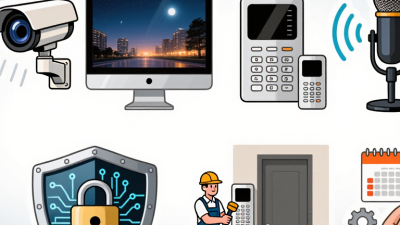
Video intercoms now do more than show who is standing at the door. They connect cameras, microphones, door-release controls, and mobile apps, making the choice of system important for homes and shared buildings. Grand View Research valued the global video intercom devices market at USD 2.83 billion in 2023 and forecast a 12.3% compound annual growth rate from 2024 to 2030. These figures suggest rising interest, but they do not tell every buyer which system fits best.
The main options include traditional wired systems, IP-based models, wireless units, and cloud-managed platforms. Some serve a single home. Others handle multiple entrances, tenant directories, and remote answering. The differences show up in everyday details: whether a screen works during an internet outage, how clearly a visitor is heard, and whether residents can answer from a phone. Small details matter.
Security technologist Bruce Schneier’s reminder is relevant: “Security is a process, not a product.” A video intercom is only one part of that process; installation, access permissions, and ongoing updates also deserve attention. This guide compares the leading Video Intercom types for 2026, including their practical strengths and trade-offs. One limitation is easy to overlook: market forecasts describe a broad industry, not the performance of a particular device or installation. A careful comparison should consider the building, users, connectivity, and maintenance—not just the feature list.
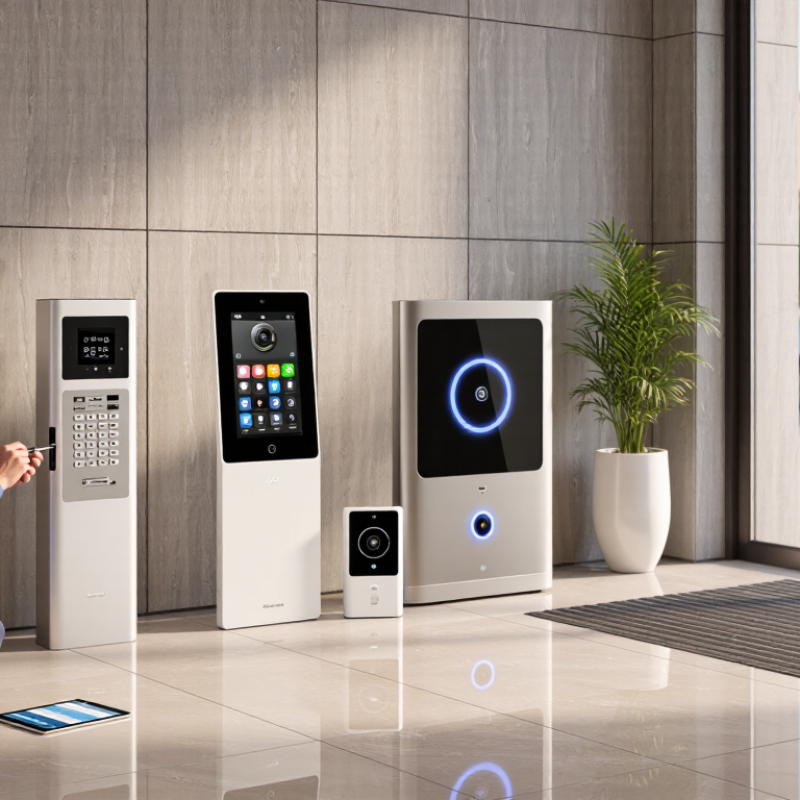
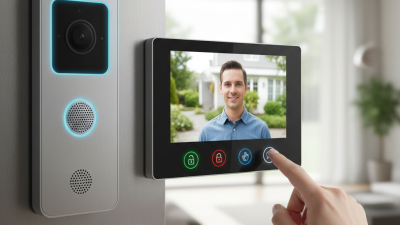
A video intercom connects a doorway camera and microphone to an indoor monitor or mobile app. When a visitor presses the call button, the system sends an alert and streams live audio and video. The resident can speak back and, if the installation includes an electric lock, release the entrance remotely. Simple in theory. In practice, weak Wi-Fi, poor lighting, or a badly positioned camera can make identification difficult.
Systems commonly use either a direct-wired connection or an IP network. Wired systems can offer a stable connection, while IP models may support remote access and integration with other devices. The MarketsandMarkets Video Intercom Devices Market report projected growth from US$4.8 billion in 2023 to US$7.6 billion by 2028. That is a market forecast, not proof that every building needs a connected system. Features should match the entrance, network reliability, and residents’ needs.
Tips: Test the view at night and during bright daylight. Check whether the microphone picks up speech over street noise. Keep software updated, use strong account passwords, and review who can access recordings. A clear picture helps, but it cannot guarantee who is standing outside.

In 2026, video intercoms generally fall into five practical types: analog wired, IP/PoE, Wi-Fi, cellular, and multi-tenant systems. Analog units use dedicated cabling and can suit older buildings where rewiring is expensive. IP systems carry video over a local network; PoE can deliver power and data through one Ethernet cable. Wi-Fi models are easier to retrofit, but thick walls and crowded networks may cause delays. Cellular units connect through mobile networks when fixed broadband is unavailable. Multi-tenant systems serve shared entrances and multiple apartments. The categories overlap: “multi-tenant” describes use, not connection type.
Grand View Research valued the global smart-home market at USD 127.8 billion in 2024 and forecast 27.0% annual growth from 2025 to 2030. That is useful context, not an intercom-only forecast. For a six-floor building, PoE may simplify lobby wiring; for a brick house, test the Wi-Fi signal at the door before installation. Check how each unit handles power outages and door-release connections, too. Details matter. A neat category label does not guarantee a reliable installation.
The chart compares common architectures by their typical need for dedicated signal cabling, rated from 0 (none for the signal link) to 5 (substantial fixed cabling). These are qualitative comparison scores, not measured statistics or market-share figures. Actual installation requirements vary by product and site; wireless systems may still need power wiring.
Wired video intercoms connect the outdoor station and indoor monitor through dedicated cables. A stable connection is their main advantage, especially where thick walls weaken wireless signals. The trade-off is installation: cables may need to pass through walls or along a long driveway. Best suited to new builds or planned renovations. With existing homes, the work can feel like more hassle than expected.
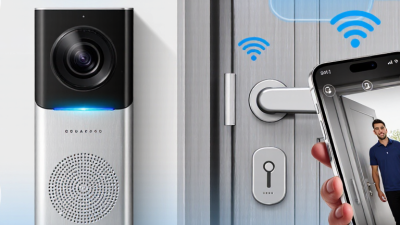
Wireless systems send video over radio, often using Wi-Fi, and may run on batteries or mains power. They can be quicker to install, but distance, masonry, and nearby networks can affect performance. Test the signal at the gate, not just beside the router. Small detail, big difference. IP describes a network-based system, not a cable-free one: it can use Ethernet, often with power and data on one cable, or Wi-Fi. IP models may support phone access and network recording, but those features depend on setup and connectivity. I would not treat “wireless” and “IP” as opposites; that distinction is easy to miss. Check power access, network coverage, and update options before choosing.
Typical characteristics are shown below. Actual performance depends on the system design, building layout, network conditions, and installation quality. “IP” describes network communication, so an IP intercom can use wired Ethernet or, in some systems, Wi-Fi.
| Comparison | Traditional Wired Video Intercom | Wireless Video Intercom | IP Video Intercom |
|---|---|---|---|
| How it connects | Uses dedicated physical cabling between the entrance station and indoor monitor, such as multi-conductor cable or coaxial cable, depending on the system. | Uses a radio connection, commonly Wi-Fi or a proprietary wireless link, between devices. Some systems still need wires for power. | Communicates over an Internet Protocol network, typically Ethernet; some models connect over Wi-Fi. |
| Typical power arrangement | Devices may receive power from a dedicated supply or through the system wiring. Requirements vary by design. | May use batteries, a local power adapter, or wired power. A wireless connection does not necessarily mean the device is battery-powered. | With Power over Ethernet (PoE), one Ethernet cable can carry both data and power. Other installations use separate power supplies. |
| Infrastructure needed | Dedicated cable runs and compatible intercom equipment; installing new cable can involve drilling or routing through walls. | A suitable wireless signal between devices and, for Wi-Fi systems, a compatible wireless network. Signal quality can be affected by walls and interference. | A local network with suitable Ethernet cabling or Wi-Fi. Remote access and cloud features may also require an Internet connection. |
| Reliability considerations | A properly installed wired link is generally less affected by radio interference, but can be affected by cable faults or power loss. | Performance depends on signal strength, interference, distance, and battery or power availability. | Performance depends on network quality, configuration, and power availability. Wired Ethernet is generally more consistent than a congested or weak Wi-Fi connection. |
| Internet required? | Not necessarily. Many systems can provide local visitor calling and door release without Internet access. | Not always. Local wireless operation may work without Internet, but app notifications and remote viewing commonly need an Internet connection. | Not for every local function. Internet access is typically needed for remote viewing, cloud services, or notifications outside the local network. |
| Installation profile | Usually easier to plan during construction or renovation, when cable routes are accessible. Retrofitting can be more labor-intensive. | Often avoids long signal cables, which can help in existing buildings. Wireless coverage and device power still need to be planned. | Works well where network cabling is available. PoE can simplify cabling, while network setup and configuration may require additional expertise. |
| Common fit | New builds, major renovations, or sites with existing intercom wiring and a preference for a dedicated connection. | Existing homes or small sites where running new communication cable is difficult and wireless coverage is adequate. | Homes and buildings that need network integration, app access, or centralized management across multiple entry points. |
| Main trade-off | Can offer a dependable dedicated connection, but cable installation or replacement may be disruptive. | Can reduce communication-cable work, but depends more on radio conditions and may require charging or battery replacement. | Supports network-based features and flexible integration, but depends on sound network planning and may require configuration or ongoing network maintenance. |
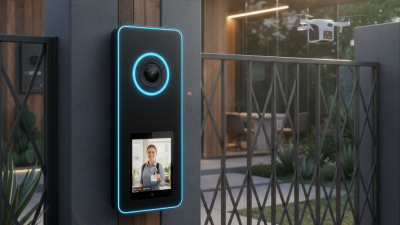
Modern video intercoms are distinguished by how clearly they connect a visitor, resident, and entry point. A wide-angle camera, strong low-light image, and echo-reducing two-way audio help when a courier arrives after dark or traffic noise fills the lobby. Mobile answering lets residents respond away from home, while separate permissions can route calls to the right apartment or staff desk. Small details matter.
Security features deserve equal attention. The 2024 Data Breach Investigations Report found that 68% of breaches involved a non-malicious human element. That figure is not specific to intercoms, but it underlines why simple sign-in controls, encrypted connections, limited user permissions, and clear access logs matter. Buyers should also check how long video is retained and who can view it. “Smart” is not a safeguard by itself.
Integration and reliability distinguish stronger systems from basic door cameras. Compatibility with building access controls, directory software, and assistive hearing devices can reduce awkward handoffs. Local operation during an internet outage is useful, too; remote features should not become the only way to answer a visitor. Ask for a live demonstration at the actual entrance, including nighttime video and a weak-network test. Specifications look tidy on paper. Real buildings are less tidy.
Choosing a video intercom starts with the building, not the screen.
A wired system suits new construction or major renovations, where cabling can reach each doorway. For an existing home, wireless units may reduce installation work, but thick walls can weaken signals. Test the actual entry point; a strong signal beside the router proves little. Networked IP systems can support multiple entrances and remote answering, while simpler local systems may be easier to maintain. There is no neat winner.
Grand View Research valued the global video intercom devices market at USD 2.86 billion in 2023 and projected 12.3% annual growth from 2024 to 2030. That signals expanding demand, not that every property needs connected features.
Match the type to daily use.
A small household may prefer a basic indoor monitor and door camera; a multi-unit building may need directory access, several screens, and managed credentials. Check whether the system keeps working during an internet outage, and ask how updates and recordings are handled. Look for clear night images, two-way audio, and controls that an older resident can use without searching through menus.
A common planning mistake is choosing by camera resolution alone. Confirm power options, Wi-Fi coverage at the entrance, and compatibility with existing door hardware before buying.
One detail is easy to miss: delivery staff need a simple way to announce themselves, even when nobody is holding a phone.