Apartment Video Doorbell Tips Every Homeowner Should Know?
In today's digital age, enhancing home security is paramount. The "Apartment Video Doorbell" has emerged as a popular tool for homeowners. It offers more than a simple knock at the door. You can now see who is there before answering. This can bring peace of mind, especially in bustling apartment complexes. However, using these devices effectively requires some knowledge.
Many apartment dwellers may overlook important tips. Installing the doorbell is just the beginning. Connectivity issues can cause frustration, and poor placement may limit visibility. The right angle is crucial for capturing clear video. Homeowners should also pay attention to privacy settings. Sometimes, notifications can drown you in unnecessary alerts. Reflecting on these aspects can significantly enhance your experience.
In addition to these practical hints, consider the emotional impact of an "Apartment Video Doorbell." Feeling secure in your own space is vital. Yet, relying solely on technology may not be enough. There must be a balance between tech and personal vigilance. As you explore these tips, remember to stay aware of your surroundings and trust your instincts.
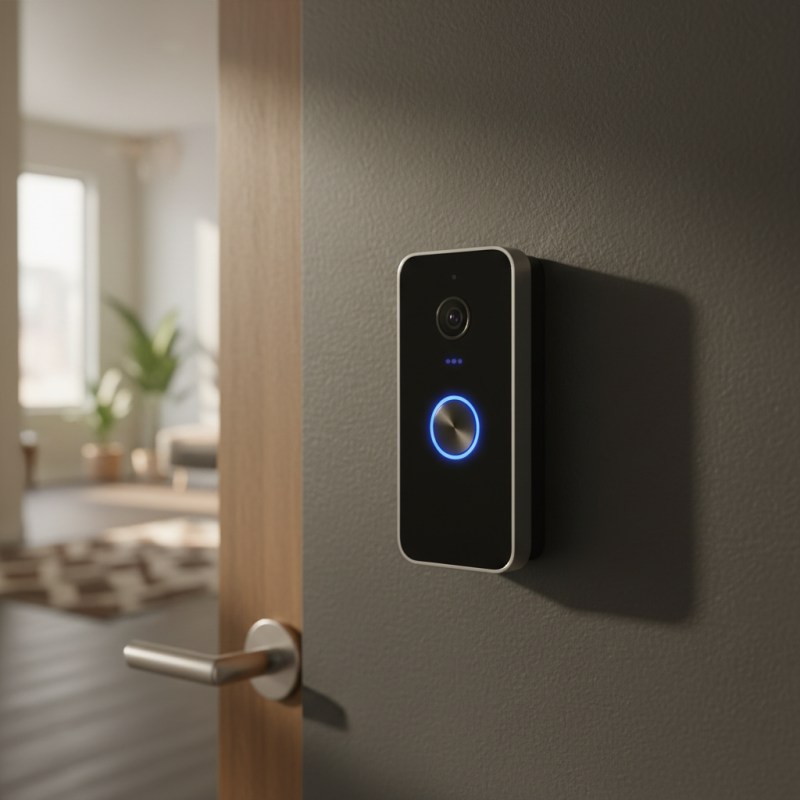
Understanding the Benefits of Video Doorbells for Apartment Dwellers
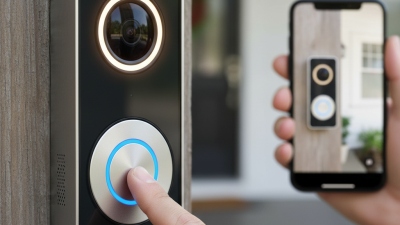
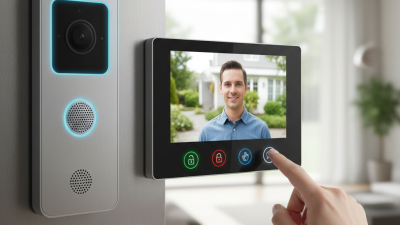
Video doorbells offer significant advantages for apartment dwellers. They provide an added layer of security. With a simple push of a button, visitors can alert you when they arrive. Instead of getting up, you can see who is at the door without opening it. The built-in camera captures footage, which can be useful.
Accessibility is another benefit. Many video doorbells allow you to view live video on your smartphone. Whether you're cooking or at work, you have control and peace of mind. Imagine receiving a delivery while you're not home. You can instruct the delivery person where to leave your package, avoiding theft. However, ensuring reliable Wi-Fi in your building is essential for this feature to function well.
There are challenges too. Not all apartments support video doorbells easily. Installation may require permissions from landlords. Also, some residents might feel concerned about privacy. Balancing security and neighborly relations can be tricky. Reflecting on these aspects helps in making an informed choice about adding a video doorbell to your apartment.
Choosing the Right Video Doorbell for Your Apartment: Key Features to Consider
When choosing a video doorbell for your apartment, consider key features that enhance security and convenience. Look for models with high-definition video and night vision. These features ensure you can see clearly, even in low light. Storage options are crucial too. Some devices offer cloud storage, while others save footage locally. Evaluate which option suits your needs.
Tips: Think about installation ease. Some doorbells require hardwiring, while others run on batteries. Depending on your apartment's setup, this can be an important factor. Additionally, consider the field of view. A wider angle lets you see more of your entrance. You wouldn't want to miss a visitor.
Don’t overlook the app functionality. A user-friendly app makes accessing footage and responding to visitors simpler. Some apps may be glitchy at times. User reviews can provide insights into performance and reliability. Reflect on how often you'll actually use the features. Not every homeowner needs every option available. Prioritize what matters most for your lifestyle.
Apartment Video Doorbell Tips Every Homeowner Should Know
| Feature |
Description |
Considerations |
| Video Quality |
Look for a minimum of 1080p resolution for clear images. |
Higher resolution may require more bandwidth. |
| Night Vision |
Ensure the doorbell has infrared night vision for low-light conditions. |
Check the infrared range for effective night monitoring. |
| Two-Way Audio |
Allows communication with visitors through the app. |
Verify the quality of the microphone and speaker. |
| Smartphone Compatibility |
Check if it works with your smartphone OS (iOS or Android). |
Ensure the app has good user reviews. |
| Storage Options |
Look for cloud storage and/or local storage options for recorded footage. |
Be aware of any subscription fees for cloud services. |
| Field of View |
Wider fields of view capture more area in front of your door. |
Consider the size of your entrance when choosing. |
| Weather Resistance |
Choose a doorbell with a good IP rating for durability against the elements. |
Ensure it can withstand extreme temperatures. |
Installation Tips for Setting Up a Video Doorbell in an Apartment
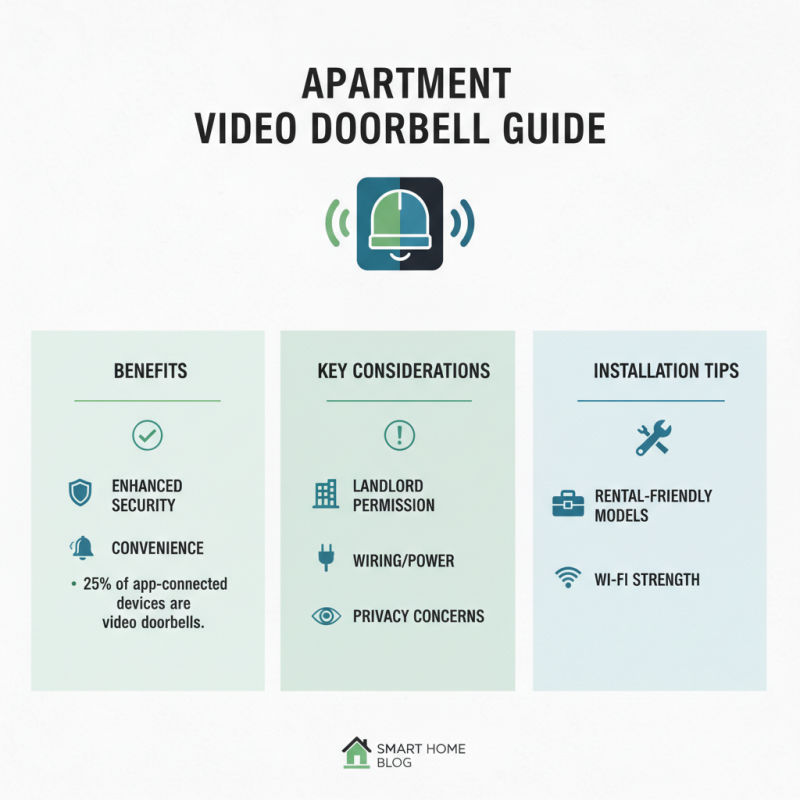
Installing a video doorbell in an apartment can enhance security and convenience. However, you need to consider some key factors before installation. According to a report by the Consumer Technology Association, about 25% of app-connected devices are video doorbells, showing their growing popularity among homeowners.
Before you begin, check your apartment’s power supply. Many video doorbells require hardwiring, which might not be an option in some rentals. A battery-operated model could be a better choice. Also, ensure you have a strong Wi-Fi signal in the installation area. Users noted that weak signals can lead to poor video quality and missed alerts. You might need to reposition your router or invest in a Wi-Fi extender.
Placement is crucial. Ideally, install the doorbell between four to five feet off the ground for optimal viewing. However, verifying with your landlord about drilling holes in the door frame is essential. Some apartments also have unique entryways that might require careful thought on positioning to avoid blind spots. Address these challenges, and you'll set up an effective video doorbell system for your home.
Adjusting Privacy Settings on Your Video Doorbell for Apartment Living
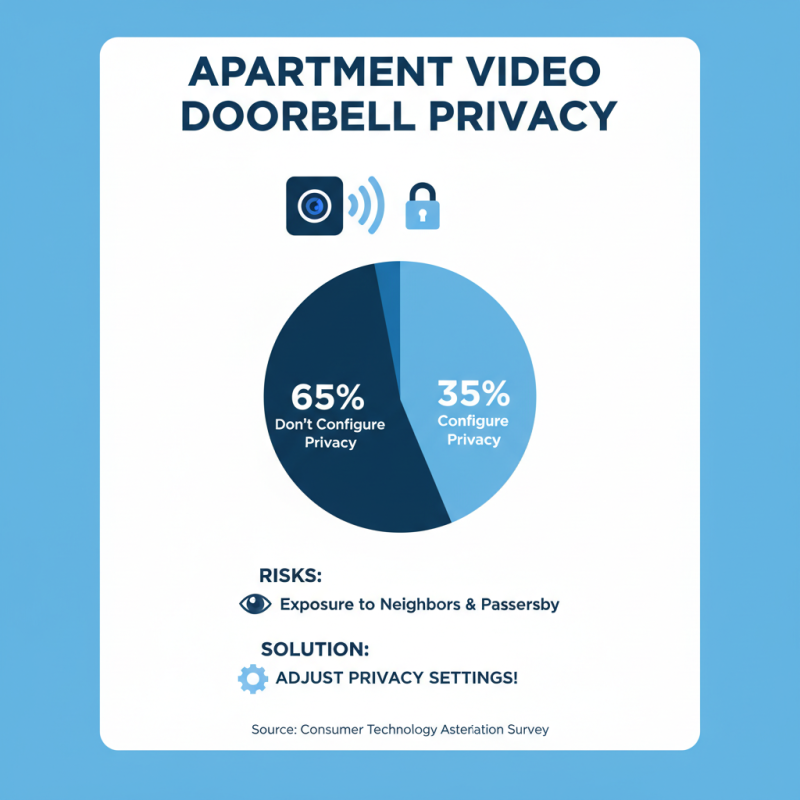
When living in an apartment, adjusting your video doorbell's privacy settings is crucial. Many homeowners overlook this aspect. A survey from the Consumer Technology Association indicates that over 65% of video doorbell users don't configure privacy options. This can lead to exposure to neighbors and passersby.
Here are some tips: First, set your camera's field of view. This limits what the camera captures. It is common to unintentionally record conversations outside your door. Consider using features like motion detection zones. This helps target specific areas, enhancing your privacy.
Another important step is to review your sharing settings. Some users unknowingly share footage with third-party apps. Always read the privacy policy. Even with great technology, misuse can happen easily. Sometimes, women feel uncomfortable when they notice their footage isn't secure. Striking a balance between security and privacy is essential. Keep refining your settings as needed.
Living in close proximity to others requires vigilance. Ensure your video doorbell adds protection without compromising your personal space. Choose wisely what to record and who can access it. Your home is your sanctuary; respect it.
Maintaining Your Video Doorbell: Best Practices for Long-Term Use
Maintaining your video doorbell is essential for its longevity and efficiency. Regular cleaning is a simple yet vital practice. Dust and dirt can obscure the camera lens, affecting clarity. Use a soft cloth and a mild cleaner monthly. Sometimes, you may forget this step, leading to poor video quality.
Another crucial tip is software updates. Many video doorbells need updates to work properly. These updates often include security patches. If you neglect this, your device might become vulnerable. Set reminders for checking updates every few months.
Battery care also matters. If your doorbell runs on batteries, replace them as needed. You don’t want a dead doorbell when someone rings. Check battery levels monthly, even if it seems unnecessary. Over time, little lapses can lead to big problems. Even a well-functioning doorbell can fail without proper attention.
Apartment Video Doorbell Usage Insights